

.svg)
Intraday Timeline
Standard charts often fail to show when work happens during the day.
The Intraday Timeline fills this gap with a clear, time-based view that highlights gaps, overlaps, long tasks, and daily pacing.
It brings a concise visual understanding of intraday activity into Sisense showing tasks, durations, start/end times, and workload distribution in a single, intuitive timeline.
With smooth zooming, automatic task repositioning, and category support, it lets teams explore detailed daily behavior without overwhelming the viewer. It’s ideal for organizations that rely on accurate time tracking and need a meaningful way to interpret activity throughout the workday.
Key Highlights:
- Intraday Activity Visualization
View employee tasks and activity blocks across the day in a clean, continuous timeline. - Zoom & Reallocate View
Users can zoom in and out of the day, and the layout automatically adjusts and repositions tasks for clearer analysis. - Category-Based Coloring
Assign distinct colors to activity types (e.g., Billable, Direct, Gap Time, Indirect) for instant visual clarity. - Start & End Time Support
Show exact activity ranges with precise start and end timestamps. - Scalable for Large Teams
Built to handle many employees or entities while keeping the visualization easy to navigate. - User-Friendly Interaction
Scroll, zoom, and explore without losing context—ideal for both technical and non-technical users.
Intraday widget:

Ideal Use Cases:
- Workforce planning and intraday operations
- Call centers or support teams needing activity timelines
- Professional services and project-based organizations tracking billable work
- Manufacturing, logistics, or retail teams analyzing shift patterns
- Any team that needs a visual representation of how time is spent within a single day


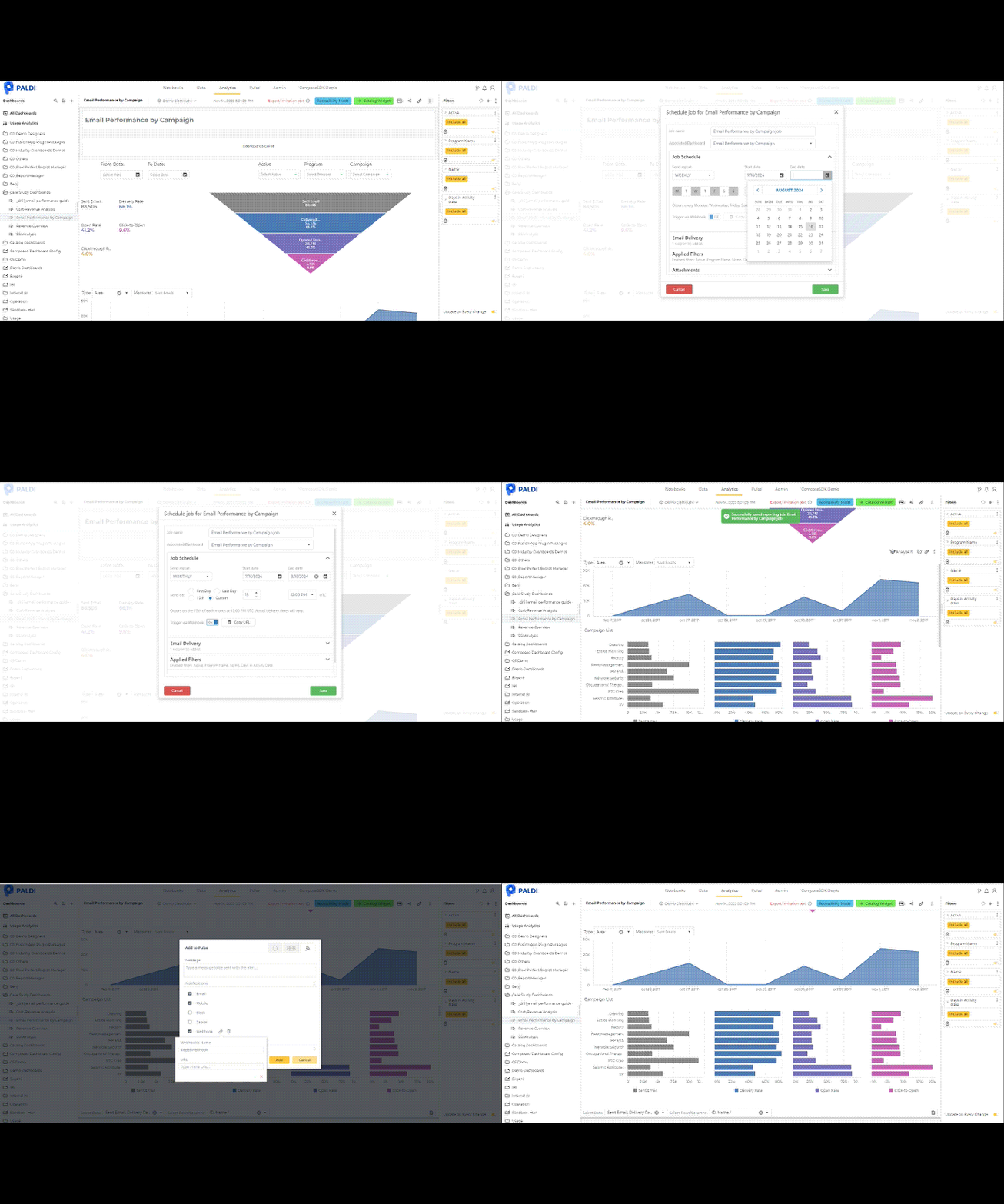
Enhance your Sisense Experience With our Top Rated Reporting Suite
see faster adoption, richer insights, and greater ROI.



"With the help of Paldi Plugins, you can just click and it’s there.
We were able to leverage Sisense to create a better user experience from a designer and user perspective."